IT Services

Watch this video for a quick introduction to our IT services


Activate your user account

When you enrol, you will receive a PIC (Personal Identification Code). You can use it to activate your personal account via the myIT portal the next day. You will also receive a student ID card, which is needed to activate your account and later to access rooms at HM.

myIT-Portal

HM email account

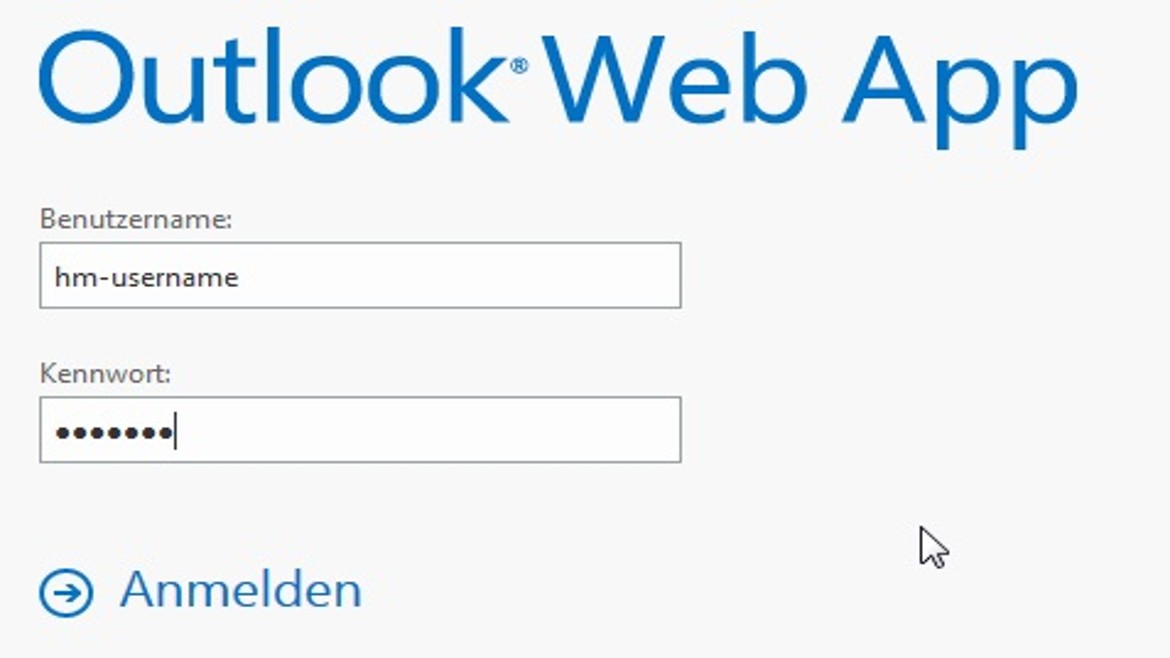
Access your HM Hochschule München University of Applied Sciences Webmail account. Put “hm-“ in front of your user name.

https://xmail.mwn.de/
Log-In for Outlook Web App - screenshot

PRIMUSS Online-Services

Log in to print study confirmations, certificates of enrolment or to register for exams:

PRIMUSS

Using your own notebook in the university network/WLAN access

At the HM Hochschule München University of Applied Sciences you can use WLAN free of charge with your own notebook. Click below to get more information (in German only).

WiFi options

Computer workstations at the university

The central IT department provides students of the university with computer workstations. Click below and find out more (in German only).

Computer workstations

eLearning

Access Moodle, our online learning platform:

Moodle Website

Support

For questions concerning webmail, user account, wireless LAN: click below to access our help centre (in German only).

IT support